
7 Tips to Get the Most Out of Productivity Software
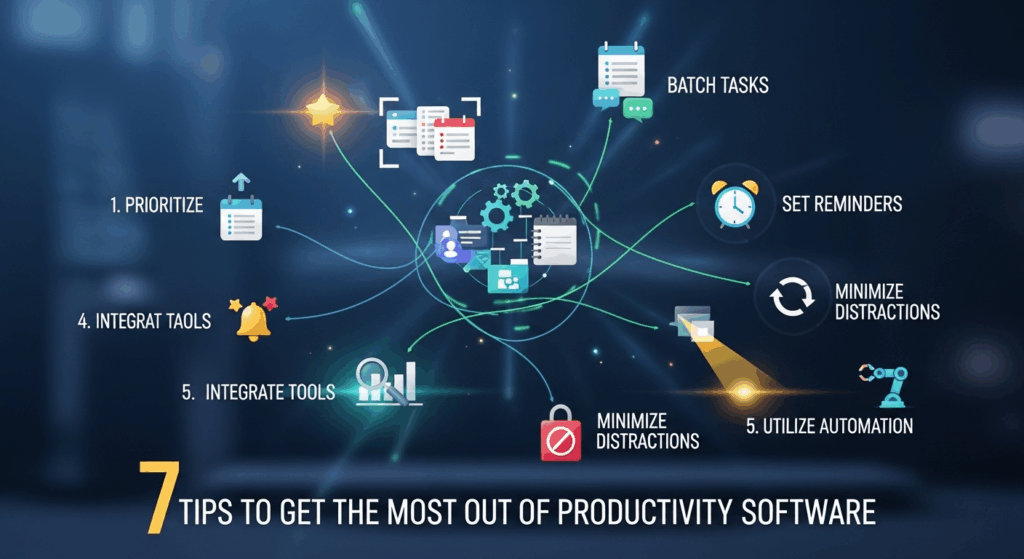
In today's fast-paced digital world, productivity software is no longer a luxury but a necessity. Companies and individuals invest significant resources into tools like Asana, Trello, Notion, and Slack, hoping to streamline workflows, enhance collaboration, and achieve ambitious goals. Yet, a common paradox emerges: despite having access to these powerful platforms, many users feel their productivity has barely improved. The problem often isn't the software itself, but the strategy—or lack thereof—in using it. Simply subscribing to a tool is like buying a gym membership; you won't see results unless you show up and know which exercises to do. Learning how to get the most out of productivity software is the critical step that transforms a costly subscription into a powerful engine for efficiency and growth.
This comprehensive guide will walk you through seven actionable tips to unlock the true potential of your productivity tools. We will move beyond the basic features and delve into the strategies that separate amateur users from power users. By implementing these practices, you can turn your software from a glorified to-do list into a fully integrated, automated, and customized command center for your professional and personal life.
1. Begin with the End in Mind: Define Your Goals and Workflow
Before you even think about customizing a dashboard or automating a task, you must take a crucial step back. The most common reason productivity software fails to deliver on its promise is a lack of clarity about what it's supposed to achieve. Without a defined goal, the software becomes a digital junk drawer—a place where tasks go to be forgotten. To truly optimize your tools, you must first optimize your thinking. This means defining what "productivity" looks like for you or your team and mapping the exact steps you take to get there.
This foundational stage requires a bit of introspection and analysis. What are the biggest bottlenecks in your current process? Where does communication break down? What repetitive tasks consume the most time? Answering these questions provides the blueprint for your software setup. For a content marketing team, the goal might be to publish 10 high-quality articles per month. Their workflow would involve idea generation, research, writing, editing, SEO optimization, and promotion. Each of these stages becomes a potential area where the software can provide structure, clarity, and efficiency.
Ultimately, the software is a tool to serve your process, not the other way around. Don't let the features of a tool dictate your workflow; let your ideal workflow dictate how you use the tool's features. This goal-first approach ensures that every customization you make and every feature you adopt has a clear purpose, directly contributing to a tangible outcome and preventing the all-too-common feeling of being "busy" but not productive.
Conduct a Thorough Workflow Audit
A workflow audit is the process of systematically mapping out every step in a given task or project, from start to finish. This isn't a quick mental checklist; it's a detailed documentation of actions, handoffs, and dependencies. You can do this on a simple whiteboard, a spreadsheet, or even within a mind-mapping tool. The key is to be brutally honest and incredibly detailed. For instance, if you're auditing the process of onboarding a new client, you might list steps like: "Initial email received -> Sales Rep creates client folder in Google Drive -> Contract sent via DocuSign -> Kick-off meeting scheduled -> Project Manager creates project in Asana."
Once your workflow is visually mapped, you can identify the pain points. Where are the delays? Where does information get lost? Which steps are manual and tedious? This is where your productivity software comes in. You can now look at your tool's feature set and ask, "How can this software solve this specific problem?" Perhaps you can create a project template that automatically generates the required folders and initial tasks, or use an integration to automatically create a task in your project management tool when a contract is signed. This audit gives you a strategic, problem-solving approach to software implementation.
Set SMART Goals for Your Software Usage
After auditing your workflow, the next step is to set clear objectives for what you want the software to accomplish. The SMART framework (Specific, Measurable, Achievable, Relevant, Time-bound) is exceptionally effective here. Instead of a vague goal like "be more organized," a SMART goal would be: "Reduce the time spent on manual project setup by 50% within the next 30 days by creating and implementing standardized project templates in Trello."
This level of specificity is powerful. "Specific" means you know exactly what you're trying to improve (project setup). "Measurable" gives you a clear metric for success (a 50% reduction in time). "Achievable" ensures the goal is realistic. "Relevant" confirms that this objective aligns with larger business goals (like increasing team capacity). Finally, "Time-bound" creates a sense of urgency (within 30 days). Applying this framework transforms your software from a passive repository of tasks into an active participant in achieving your strategic objectives.
2. Master the Core Before Chasing the Shiny Features
Modern productivity software is often packed with a dizzying array of features: Gantt charts, AI assistants, resource management, custom reporting, and more. It's incredibly tempting to dive into the most advanced functionalities, believing they hold the secret to ultimate productivity. However, this "shiny object syndrome" is a trap. It often leads to overwhelming complexity and a system that nobody on the team fully understands or uses correctly. The most effective users follow the Pareto Principle, also known as the 80/20 rule.
This principle suggests that, in many cases, roughly 80% of the results come from 20% of the effort (or in this case, features). Before you try to build a complex, multi-layered automation rule, have you truly mastered the absolute core functions of your software? This includes creating tasks with clear descriptions, assigning them to the right person, setting firm due dates, and using comments for task-specific communication. These fundamental building blocks are the foundation upon which all other efficiencies are built.
Focusing on the core ensures consistency and adoption, especially within a team. When everyone knows how to reliably perform the basic functions, the system works. Once these fundamentals are second nature, you can then strategically layer on more advanced features one by one, ensuring each new addition serves a specific purpose identified in your workflow audit. This incremental approach is far more sustainable and effective than trying to boil the ocean from day one.
Leverage the Power of Templates
One of the most powerful yet underutilized core features in almost every project management tool is the ability to create templates. Templates are the single best way to combat repetitive work, ensure consistency, and onboard new projects or team members with speed and accuracy. Think about any process your team repeats: launching a marketing campaign, publishing a blog post, onboarding a new hire, or planning a client event. Each of these can and should be a template.
A well-built template should include all the standard tasks, subtasks, assigned roles (if consistent), and even pre-written checklists for each step. For example, a "New Blog Post" template in Asana might include tasks like "Keyword Research," "Outline Creation," "Draft Writing," "SEO Review," "Add Graphics," and "Schedule for Publication." Each of these tasks can have its own due date relative to the project start date and can even include instructions or links to standard operating procedures (SOPs) in the description. This eliminates the mental energy and time wasted on recreating the same structure over and over again.
Organize with Tags, Labels, and Custom Fields
While creating tasks is fundamental, organizing them for easy filtering and retrieval is what makes a system truly powerful. This is where tags, labels, and custom fields come in. These pieces of metadata allow you to slice and dice your project information in countless ways. Instead of relying solely on project boards, you can create views that cut across your entire workspace.
For example, you could use tags to denote task priority ("High," "Medium," "Low"), status ("In Progress," "Needs Review," "Blocked"), or task type ("Bug," "Feature Request," "Marketing"). Custom fields can take this even further, allowing you to add specific data points like budget, estimated hours, or a relevant URL. A content team might use custom fields to track the "Content Format" (e.g., Blog, Video, Social) and the "Target Persona." With this metadata in place, you can instantly create a filtered view showing "All high-priority blog posts for Persona A that are currently in review." This level of granular control is impossible without a disciplined approach to using tags and custom fields.
3. Automate Everything That Can Be Automated
If mastering the core features is about building a solid foundation, then automation is about building a superpower. Automation is the single biggest lever you can pull to reclaim your time and reduce the chance of human error. Every minute you spend on a manual, repetitive task is a minute stolen from deep, creative, or strategic work. Most modern productivity platforms have robust built-in automation engines or can be connected to third-party services like Zapier or Make.
The core concept of automation is simple: "When X happens, automatically do Y." This could be as basic as "When a task is moved to the 'Done' column, post a celebratory message in the team's Slack channel." Or it could be a more complex, multi-step workflow: "When a new lead fills out a form on our website, create a new record in the CRM, create a new task in Asana for the sales rep to follow up, and add the lead to our email marketing sequence."
Start by identifying the low-hanging fruit. What are the small, recurring actions you or your team perform every single day? It could be moving a card, updating a status, notifying a manager, or creating a weekly report task. Each of these can likely be automated. The initial time investment to set up these rules pays for itself a hundred times over, freeing up cognitive bandwidth and ensuring processes are followed consistently without fail.
Build Rules for Status Changes and Handoffs
One of the most effective use cases for automation is managing handoffs between team members or departments. This is often where projects stall and communication breaks down. Instead of relying on someone to manually notify the next person in line, build an automation rule. For example, in a design workflow, you could set a rule: "When a designer moves a task from the 'In Progress' column to the 'Ready for Review' column, automatically reassign the task to the Art Director and add a comment tagging them for feedback."
This simple automation achieves several things at once. It ensures a seamless and instant handoff, eliminating delays. It creates a clear, time-stamped record of the status change. Most importantly, it removes the mental burden from the designer, who no longer has to remember to tag or email the Art Director. They can simply focus on their work, and the system handles the logistics. Scaling this across all your inter-departmental workflows can revolutionize your team's efficiency.
Automate Recurring Tasks and Reminders
Never manually create a recurring task again. Whether it's "Submit weekly report," "Run monthly analytics," or "Prepare for the quarterly business review," these predictable tasks should be automated. Most productivity tools allow you to create tasks that repeat daily, weekly, monthly, or on a custom schedule. This guarantees that essential housekeeping and reporting tasks are never forgotten.
Beyond task creation, you can also use automation for intelligent reminders. Instead of a simple due-date reminder, you can set up rules like: "If a task is marked 'High Priority' and is due in less than 24 hours but is still in the 'To Do' column, send a direct message to the assignee and the project manager." This proactive notification system helps prevent bottlenecks and keeps critical projects on track without requiring a manager to constantly police the project board.
4. Create a Unified Ecosystem Through Integrations
No single productivity app is an island. In reality, your work is spread across a constellation of tools: email, a calendar, a communication app (Slack, Microsoft Teams), cloud storage (Google Drive, Dropbox), and your project management platform. The true power of productivity software is unlocked when you make these tools talk to each other. The goal is to create a single, unified digital ecosystem where information flows seamlessly between platforms, eliminating the need for manual data entry and constant context switching.
Context switching—the act of jumping from your email to your to-do list to your chat app and back again—is a notorious productivity killer. Every switch costs you time and mental energy as your brain has to re-engage with a new interface and task. Integrations minimize this friction. When your tools are connected, you can do things like turn an email into a task in Asana with one click, attach a file from Google Drive directly to a Trello card, or get notifications from your project board directly in your Slack channel.
This creates a "single pane of glass" experience where your project management tool acts as the central hub, pulling in relevant information from all your other apps. It ensures that the task itself remains the "single source of truth," with all related conversations, files, and updates linked directly to it. This consolidation is vital for maintaining clarity and momentum, especially on complex projects involving multiple stakeholders.
Prioritize Native Integrations First
When exploring integrations, always start with the native options offered within your productivity software. These are connections that the software developers have built and maintained themselves. They are generally more reliable, easier to set up, and better supported than third-party solutions. For example, a native integration between Asana and Slack will likely have more robust features—like the ability to create, update, and comment on tasks without ever leaving the Slack interface—than a more generic connection.
Go to your software's settings or marketplace and explore the available native integrations. Identify the other tools your team uses daily (email, calendar, file storage, communication) and activate those connections first. Train your team on how to use these core integrations effectively. For instance, establish a rule that all project-related files must be attached to the relevant task via the Google Drive integration, not just linked in a comment. This ensures version control and easy access for everyone involved.
Use Third-Party Connectors for Advanced Workflows
While native integrations are the best starting point, they won't cover every possible use case. This is where third-party integration platforms like Zapier, Make (formerly Integromat), and IFTTT become invaluable. These powerful tools act as a universal translator between thousands of different web apps, allowing you to build highly customized, multi-step automated workflows that would otherwise be impossible.
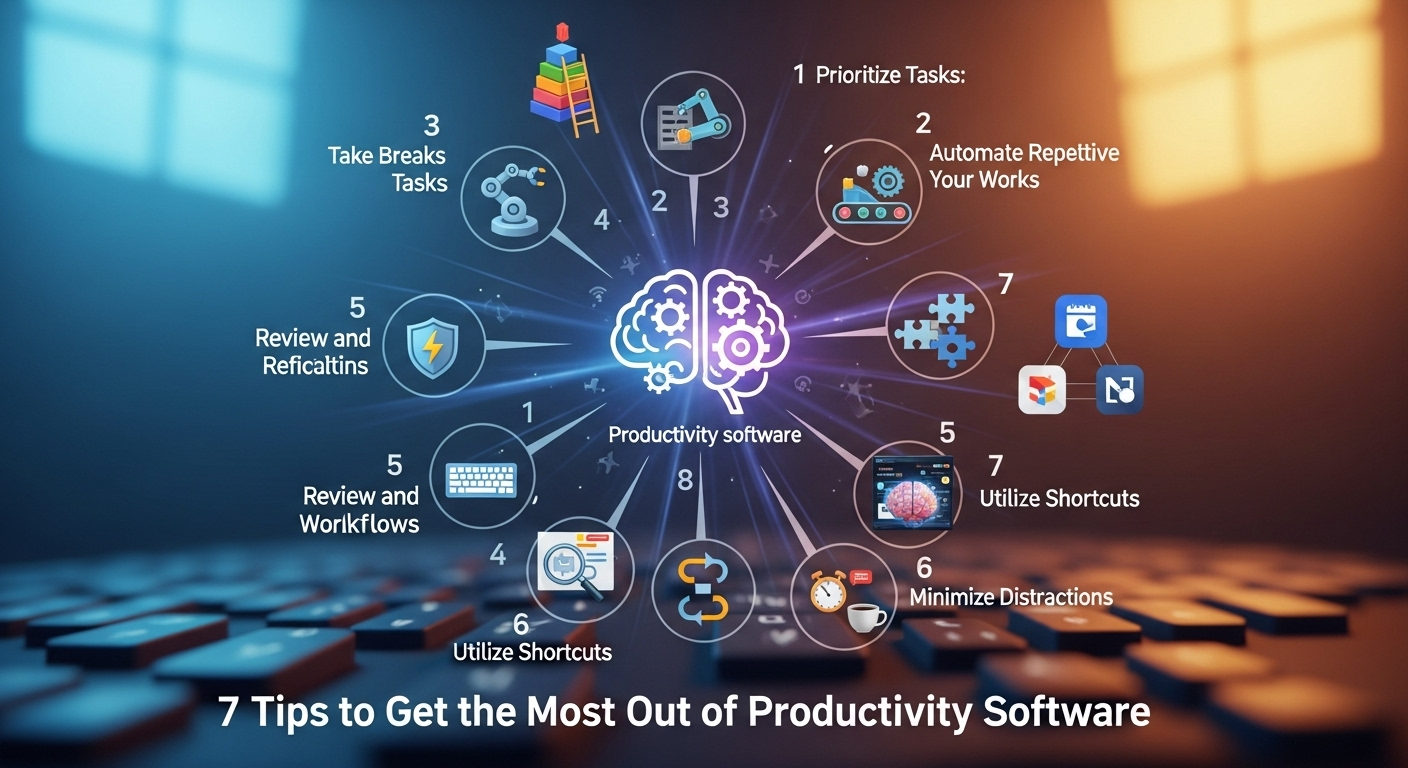
With a tool like Zapier, you can create "Zaps" that connect a trigger app to one or more action apps. For example, you could build a Zap that says: "When a customer is marked as 'Closed-Won' in our Salesforce CRM (Trigger), automatically create a new project in Trello from a template (Action 1), create a private channel in Slack for the project team (Action 2), and generate an invoice in QuickBooks (Action 3)." This level of end-to-end automation can save dozens of hours per month and completely eliminate the risk of steps being missed during critical business processes.
5. Implement Regular Reviews and Refine Your System
Your productivity system should not be a static, "set it and forget it" creation. It should be a living, breathing entity that evolves with your projects, your team, and your goals. The most productive teams are those that build in a regular feedback loop to review their tools and processes. Without this, your once-perfect system can slowly become outdated, cluttered, and inefficient, leading to the same problems you were initially trying to solve.
Schedule a recurring time—perhaps monthly for teams and weekly for individuals—to review your productivity software setup. During this review, you should be asking critical questions. What's working well? Where are the bottlenecks? Are there tasks that are consistently overdue? Are certain features being underutilized or ignored? Is the team adhering to the established conventions for tagging and commenting? This is also a perfect time to gather feedback from the entire team about their experience with the tool.
This review process is essential for continuous improvement. It allows you to identify and prune parts of the system that are no longer serving you, declutter old projects, and identify new opportunities for automation or process optimization. Just as you would regularly service a car to keep it running smoothly, you must regularly service your productivity system to ensure it remains a high-performance engine for your work.
The Impact of a Regular Review Cycle
The table below illustrates the concrete benefits of shifting from a static setup to one that incorporates a regular review and refinement cycle.
| Aspect of Workflow | Static System ("Set It and Forget It") | Dynamic System (With Regular Reviews) |
|---|---|---|
| Process Efficiency | Processes become outdated; workarounds and bad habits emerge over time. | Processes are continuously updated and optimized to remove bottlenecks. |
| Team Adoption | Usage and enthusiasm decline as the system becomes cluttered and irrelevant. | High adoption is maintained as the system evolves to meet the team's needs. |
| Automation Rules | Automations may break or become irrelevant as other software is updated. | Automations are tested, refined, and expanded to cover new use cases. |
| Clutter & Noise | Old projects, tasks, and notifications create a noisy and confusing environment. | The system is regularly decluttered, keeping it clean, focused, and easy to navigate. |
| Goal Alignment | The software setup may no longer align with new business goals or priorities. | The system is actively adjusted to support and accelerate current strategic objectives. |
6. Customize for Your Brain: Personalize Your Views
Productivity is not one-size-fits-all. Different people process information in different ways. Some are highly visual and thrive on Kanban boards, where they can see the flow of work. Others are list-oriented and prefer a dense, spreadsheet-like view of their tasks. Many productivity tools now recognize this and offer multiple ways to view the same set of data. Learning to customize these views to match your cognitive style is a game-changer.
Don't feel locked into the default view of your software. If you're using a tool like Notion or ClickUp, you can toggle between a List, Board, Calendar, Timeline (Gantt), or Gallery view for the same database of tasks. Experiment with these different perspectives. A Calendar view is perfect for a content manager planning an editorial schedule, while a Timeline view is essential for a project manager tracking dependencies on a complex build.
This personalization extends beyond just the layout. It includes creating saved filters and custom dashboards that surface the exact information you need, right when you need it. The goal is to design a "mission control" center that feels intuitive and empowering to you, reducing cognitive load and making it easier to see what truly matters at a glance.
Build a "My Tasks" Master Dashboard
For individual productivity, the most important view you can create is a personal dashboard that consolidates all of your assigned tasks from every project into a single, actionable list. This prevents you from having to jump between multiple project boards to figure out what you need to work on next. A great personal dashboard should be filterable by due date, priority, and project.
Set this up to be your default landing page when you open the software. You can then structure your day by sorting it. For instance, you could start your day by looking at everything due "Today," and then switch to a view sorted by "Priority" to tackle your most important work. This personal, consolidated view ensures that nothing falls through the cracks and allows you to maintain focus without being distracted by the noise of the entire team's workload.
Save and Share Custom Filters
Filters are your best friend for cutting through the clutter. Once you've organized your tasks with tags and custom fields, you can create powerful, saved filters for recurring needs. For a team leader, this might be a filter for "Tasks Blocked" or "Tasks Overdue." For a developer, it might be "Bugs Assigned to Me."
Don't keep these useful filters to yourself. Most platforms allow you to save and share filtered views with your team. If you've created a brilliant report view that shows the progress of a specific marketing campaign, share that link with the stakeholders. This ensures everyone is looking at the same data, promoting transparency and alignment. Sharing these custom views helps disseminate best practices and makes the entire team more efficient at finding information.
7. Foster a Culture of Continuous Learning and Shared Ownership
Finally, remember that a tool is only as effective as the culture that surrounds it. You can have the most perfectly configured, automated, and integrated system in the world, but if your team doesn't use it consistently or correctly, its value plummets. Getting the most out of productivity software in a team setting requires fostering a culture of shared ownership, documentation, and continuous learning.
This starts with designating an internal "champion" for the software. This person doesn't have to be a manager; it can be any enthusiastic power user who is willing to answer questions, share tips, and help onboard new members. This creates a go-to resource and encourages peer-to-peer learning. This champion can also take the lead on documenting best practices and establishing a clear "rules of the road" guide for using the tool.
This documentation shouldn't live in a separate document that no one reads. It should be built directly into the software itself. For example, you can create a "How We Use This Tool" project board that contains cards with instructions, links to video tutorials, and examples of well-structured tasks. When someone has a question, they have an easily accessible, single source of truth to refer to. This investment in training and documentation pays immense dividends in team alignment and long-term success.
Establish a "Single Source of Truth" (SSOT)
A critical rule to establish is that your productivity software is the Single Source of Truth (SSOT) for all project-related work. This means if a discussion happens in an email or a decision is made in a meeting, it must be documented back in the relevant task within the software. If it's not in the tool, it didn't happen.
This discipline is vital. It prevents "he said, she said" confusion and creates a definitive, time-stamped record of a project's entire lifecycle. It ensures that anyone joining the project mid-stream can get up to speed quickly by simply reviewing the task history. Enforcing this SSOT rule requires leadership buy-in and consistent reinforcement, but it is one of the most impactful cultural shifts you can make to maximize the value of your software.
Schedule Regular Knowledge-Sharing Sessions
Don't assume everyone is discovering new features or tricks on their own. Be proactive about education. Schedule short, regular (e.g., monthly) knowledge-sharing sessions. These can be informal "lunch and learns" or a dedicated 30-minute meeting. Each session can focus on a specific topic, like "Tips for Using the Calendar View," "How to Build a Simple Automation," or "A Deep Dive into Our New Integration with Figma."
Encourage different team members to lead these sessions. This not only distributes the training load but also empowers individuals and uncovers hidden experts within your team. These sessions create a positive feedback loop: as people learn more, they use the tool more effectively, discover new possibilities, and become more invested in the system's success, reinforcing a culture of continuous improvement.
***
Frequently Asked Questions (FAQ)
Q: What if my team resists using the new productivity software?
A: Team resistance often stems from three things: a lack of understanding of the "why," feeling overwhelmed by the new tool, or a process that feels more cumbersome than the old one. Address this by (1) clearly communicating the goals and how the software helps achieve them (Tip 1), (2) providing thorough, phased training that starts with only the core features (Tip 2), and (3) actively soliciting feedback and refining the setup to make it as user-friendly as possible (Tip 5).
Q: How do I choose the right productivity software in the first place?
A: The best way is to reverse-engineer the process. First, conduct a detailed workflow audit (Tip 1) to understand your exact needs. Then, list your "must-have" features, "nice-to-have" features, and critical integrations. Finally, research tools that meet those criteria and take advantage of free trials with a small pilot group to test them against a real-world project before committing.
Q: Is it possible to have too many productivity tools?
A: Absolutely. This is known as "software bloat" or "stack sprawl." Having too many disconnected tools leads to information silos, increased subscription costs, and major context-switching fatigue. The key is to aim for a minimal, tightly integrated ecosystem (Tip 4). Regularly audit your tools and be ruthless about eliminating those that are redundant or underutilized.
Q: How often should I review and refine my productivity software setup?
A: A good cadence is a light personal review weekly and a more in-depth team review monthly or quarterly (Tip 5). The weekly check-in helps you stay organized personally. The team review is for bigger-picture issues: Are our processes still efficient? Are there new features we should adopt? Does our setup still align with our current company goals?
***
Conclusion
Productivity software holds immense promise, but it is not a magic bullet. Its true value is unlocked not through the act of subscription, but through the discipline of strategic implementation. By starting with clear goals, mastering the core, embracing automation and integrations, and fostering a culture of continuous refinement, you can transform these platforms from simple task managers into powerful, customized engines for growth and efficiency.
Ultimately, remember that the tool is a servant, not a master. It should bend to your workflow, adapt to your team's needs, and evolve with your objectives. By applying these seven tips, you will not only get the most out of your productivity software but also build a more organized, aligned, and effective way of working for the long term.
***
Summary of the Article
This article provides a comprehensive guide on how to get the most out of productivity software, presenting seven key tips for users looking to move beyond basic functionality. The core message is that true productivity comes from a strategic approach, not just the tool itself. The guide begins by emphasizing the need to define clear goals and audit workflows before configuring the software. It then advises users to master core features like templates and tags before exploring advanced options. A significant focus is placed on leveraging automation to eliminate repetitive tasks and creating a unified ecosystem through integrations to reduce context switching. The article also highlights the importance of implementing regular reviews to refine the system, customizing views to match personal cognitive styles, and fostering a team culture of shared ownership and continuous learning to ensure long-term success and adoption.
