
Top Strategies and Tips for Securing Remote Work Environments in 2026
Top Strategies and Tips for Securing Remote Work Environments in 2026
As remote work continues to grow, securing these virtual workspaces becomes an essential focus for companies and employees alike. With the rapid evolution of technology, the need for robust security measures in remote work environments is more pressing than ever. In 2026, new challenges and threats demand advanced strategies to protect sensitive data, networks, and communication channels. This article outlines the most effective tips for securing remote work environments 2026, offering practical advice for organizations and individuals looking to enhance their cybersecurity.
Embrace a Zero-Trust Security Model
One of the most significant changes in 2026 is the widespread adoption of the Zero-Trust security model. This approach assumes that no device or user, whether inside or outside the corporate network, should be trusted automatically. Every user and device is continuously verified before being granted access to sensitive resources.
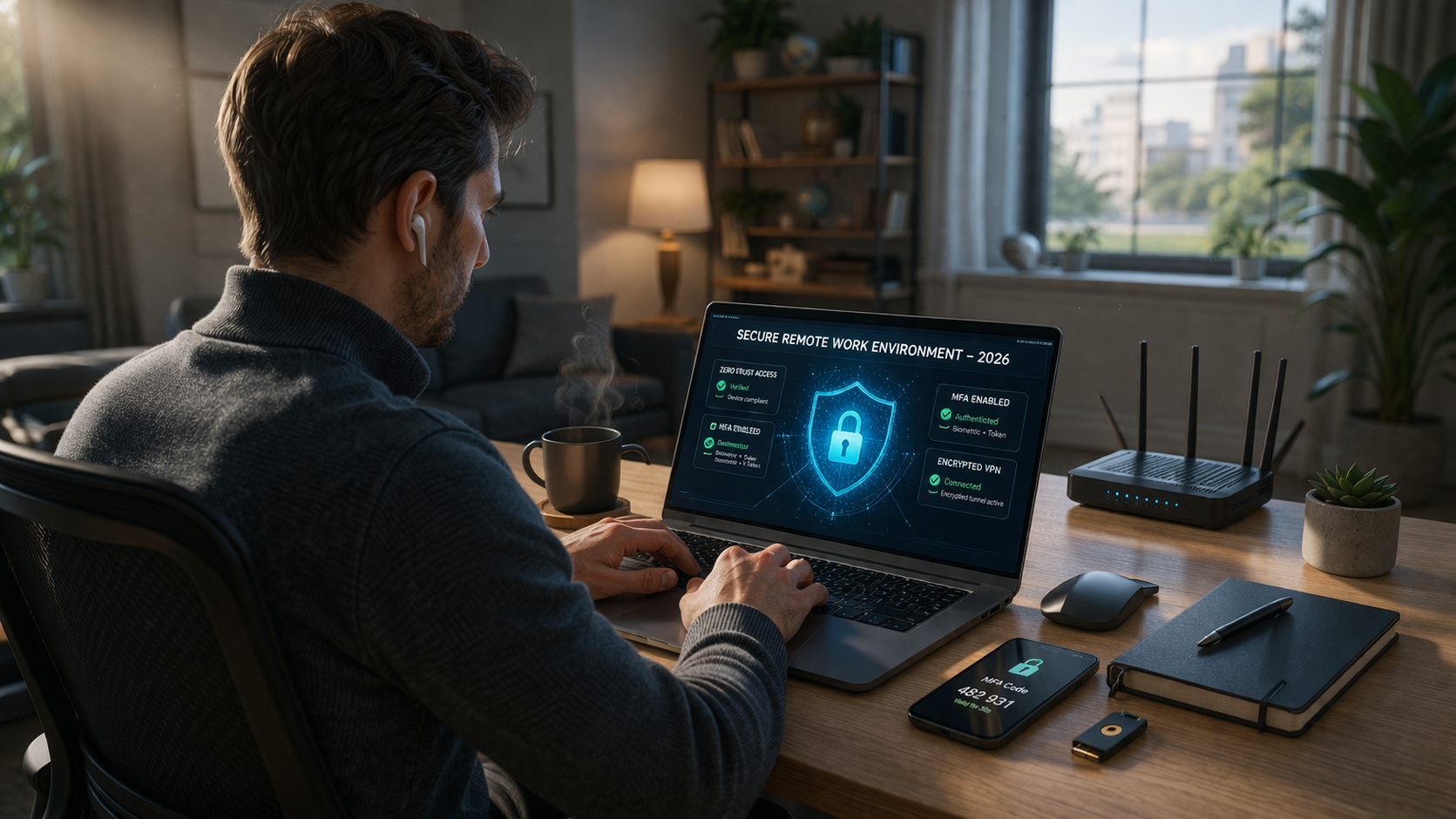
To implement Zero-Trust effectively, companies should deploy multi-factor authentication (MFA) systems and least privilege access policies. This limits the access level of each user, ensuring they only have the permissions necessary for their job. Combining these technologies with real-time monitoring allows businesses to detect potential threats early, reducing the risk of unauthorized access or data breaches.
Secure Collaboration Tools and Communication Channels
In 2026, remote teams rely heavily on digital collaboration tools such as video conferencing, messaging apps, and file-sharing platforms. While these tools are essential for productivity, they can also be vulnerable to cyberattacks if not properly secured. Organizations must prioritize the use of end-to-end encryption for all communication channels to ensure data privacy.
Another important tip for securing remote work environments in 2026 is the use of cloud-based collaboration platforms with built-in security features. These platforms offer encryption, user authentication, and activity tracking, making them safer for sharing files and sensitive information. Encourage employees to regularly update these tools and disable any unnecessary features that could pose a security risk.
Implement Strong Endpoint Security
Endpoint devices, such as laptops, smartphones, and tablets, are often the weakest link in a remote work environment. These devices are frequently used outside the controlled corporate network, making them vulnerable to attacks. It is critical to ensure that all endpoint devices are protected with advanced antivirus software and firewalls.
In addition, mobile device management (MDM) solutions should be used to enforce strict security policies on all mobile devices, ensuring they are encrypted and regularly updated. For higher-risk employees, consider using virtual private networks (VPNs) and device whitelisting to further reduce vulnerabilities.
Regular Security Awareness Training
Cybersecurity is only as strong as the people behind it. One of the best tips for securing remote work environments in 2026 is to invest in regular security awareness training for all employees. This ensures that the entire team is aware of the latest threats, such as phishing, social engineering, and ransomware, and knows how to identify and avoid them.
Training should include practical exercises like simulated phishing attacks to test employees’ responses and improve their ability to recognize suspicious activities. Additionally, it’s essential to foster a culture of security where employees feel comfortable reporting potential threats and breaches without fear of repercussions.
Maintain Robust Backup and Recovery Plans
A critical aspect of securing remote work environments is ensuring that all data is regularly backed up and can be quickly restored in case of a disaster or cyberattack. In 2026, ransomware and other types of malware are more sophisticated, often targeting remote work systems to hold critical data hostage.
To protect against this threat, companies must implement a comprehensive backup strategy, including regular cloud-based and offline backups. These backups should be encrypted and stored in multiple locations to ensure they are safe from attack. Additionally, organizations should test their disaster recovery plans regularly to ensure they can restore operations swiftly after an incident.
Monitor and Audit Remote Access
Constant monitoring of remote access is vital to ensure that only authorized users are entering the network and accessing company resources. By deploying intrusion detection systems (IDS) and activity monitoring software, businesses can detect suspicious behavior and unauthorized access attempts in real-time.
In addition to technical monitoring, audit logs should be regularly reviewed to track employee activity on corporate systems. If any irregularities are identified, swift action can be taken to mitigate potential risks.
Conclusion
Securing remote work environments in 2026 requires a multi-layered approach that combines cutting-edge technologies with vigilant security practices. By adopting a Zero-Trust security model, securing collaboration tools, implementing strong endpoint security, providing regular training, maintaining backups, and monitoring remote access, businesses can significantly reduce their risk of cyberattacks. As the threat landscape evolves, staying proactive and prepared is crucial for protecting sensitive data and ensuring a safe and productive remote work environment.
FAQ
Q: What is the Zero-Trust security model and why is it important for remote work?
A: The Zero-Trust security model assumes that no one, whether inside or outside the network, should be automatically trusted. It is important for remote work because it continuously verifies users and devices before granting access, reducing the risk of unauthorized access.
Q: How can I secure my remote work communications?
A: Use end-to-end encryption for all communication tools and prefer cloud-based collaboration platforms with built-in security features like user authentication and file encryption to ensure privacy and security.
Q: Why is endpoint security crucial for remote work?
A: Endpoint devices, such as laptops and smartphones, are often vulnerable to cyberattacks. Implementing strong antivirus software, firewalls, and mobile device management tools can protect these devices from threats.
Q: How often should employees receive security awareness training?
A: Security awareness training should be conducted regularly, ideally at least quarterly, to ensure employees are up-to-date on the latest cyber threats and can effectively recognize and avoid them.
Q: How do I ensure my company’s data is safe from ransomware?
A: Implement a robust backup strategy, including cloud-based and offline backups, and regularly test disaster recovery plans to ensure that you can restore data quickly in the event of a ransomware attack.
