
System Software vs. Application Software: The Difference
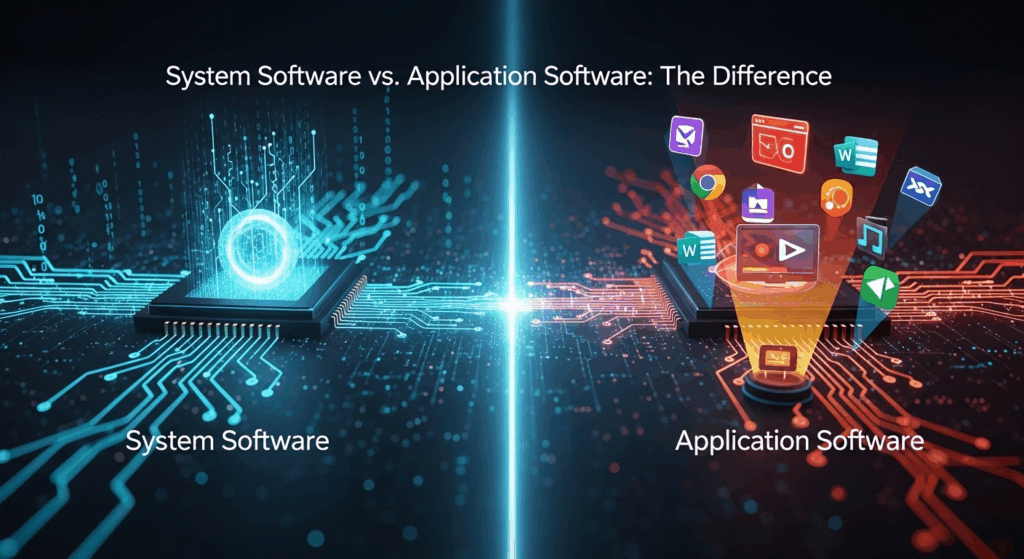
In the digital age, we interact with software at every turn, from the moment our phones boot up in the morning to the last email we send at night. Yet, beneath the surface of our clicks and taps lies a complex ecosystem of different software types working in harmony. Many users might not even realize that the programs they use are divided into two fundamental categories. Grasping the difference between system software and application software is not just for tech enthusiasts; it's a key piece of digital literacy that empowers users to better understand how their devices function, troubleshoot problems, and make informed choices about the tools they use. This article will demystify these concepts, providing a clear, in-depth exploration of both worlds.
What is System Software? The Foundation of Your Device
System software is the foundational layer of code that acts as the "manager" of a computer system. Think of it as the backstage crew of a grand theatre production; you may not see them, but without them, the show cannot go on. Its primary purpose is not to perform tasks for the end-user directly but to manage the computer's hardware resources and provide a stable platform upon which application software can run. It is the crucial intermediary, translating the high-level commands from applications into the low-level machine code that the hardware—like the processor, memory, and storage drives—can understand and execute.
This type of software is designed to be general-purpose and hardware-focused. When you turn on your computer, the system software is the first to load, performing essential checks and preparing the environment. It handles complex, background tasks such as memory allocation, process scheduling, file management, and security. Essentially, it creates and maintains the operational environment, insulating application developers and users from the intricate details of the underlying hardware. Without system software, every application would need to be written to control every single piece of hardware directly, an impossibly complex and inefficient task.
Therefore, system software is indispensable for any computing device to function. It runs continuously in the background as long as the device is powered on, quietly orchestrating all operations. The most prominent example of system software is the Operating System (OS), such as Microsoft Windows, Apple's macOS, or Linux. However, the category is broader than just the OS, encompassing other vital programs that ensure the smooth and efficient operation of the entire system.
A Deep Dive into the Types of System Software
System software isn't a single monolithic entity. It's a collection of different programs, each with a specific responsibility in managing the computer system. Understanding these components gives a clearer picture of how a device functions from the ground up, moving from the most fundamental code to the programs that maintain system health. Let's explore the primary types of system software.
- #### Operating Systems (OS) – The Conductor
The Operating System is the most crucial piece of system software, acting as the central nervous system of the computer. It is the master controller that manages all hardware and software resources. The OS provides the Graphical User Interface (GUI) or Command-Line Interface (CLI) that allows users to interact with the computer. It coordinates everything, from allocating CPU time and memory to different processes to managing files and peripheral devices like printers and keyboards.
Every general-purpose computer requires an OS to run other programs. It creates a consistent and predictable environment for application software, so a developer creating a program like Adobe Photoshop doesn’t need to write separate code for every possible graphics card, processor, and memory configuration. The OS handles that translation layer. Prominent examples fill the market:
Microsoft Windows:* The most widely used desktop OS, known for its extensive hardware and software compatibility.
Apple macOS:* Praised for its user-friendly interface, strong security, and tight integration with Apple hardware.
Linux:* An open-source OS known for its stability, security, and flexibility, popular in servers and among developers.
Android and iOS:* The dominant operating systems in the mobile world, specifically designed for smartphones and tablets.
- #### Utility Programs – The Maintenance Crew
If the OS is the conductor, utility programs are the specialized maintenance crew that keeps the orchestra and the stage in top condition. These programs are designed to support, configure, analyze, optimize, and maintain the computer. While some utilities are bundled with the operating system, many are available as standalone products to perform specific functions beyond the OS’s basic capabilities. Their goal is to enhance performance and secure the system.
Utility programs perform tasks that are essential but not part of the core OS functionality. For example, an OS knows how to store files, but a backup utility provides an advanced way to create copies for disaster recovery. Common examples of utility programs include:
<strong>Antivirus Software:</strong> Scans for and removes malicious software (malware*).
- Disk Cleanup &amp; Defragmentation Tools: Free up disk space and reorganize file data for faster access.
<strong>File Compression Tools:</strong> Reduce the size of files to save space or for faster transfer over a network (WinZip,7-Zip*).
- System Monitoring Tools: Track performance metrics like CPU usage, memory consumption, and network traffic.
- #### Device Drivers – The Translators
Device drivers are highly specialized system software that act as translators between the Operating System and a specific hardware device. Every piece of hardware, from a graphics card and a printer to a mouse and a webcam, has its own unique set of commands. The OS doesn’t inherently know how to “speak” the language of every single device in existence. This is where drivers come in.
When you connect a new printer, for instance, you often need to install its driver. This small piece of software tells the OS exactly how to send data to that specific printer model to print a document correctly. Without the correct driver, the hardware is just an inert piece of plastic and silicon. Drivers are therefore absolutely critical for hardware functionality, and keeping them updated is important for security, stability, and accessing new features.
What is Application Software? Your Digital Toolbox
In stark contrast to system software, application software (often called an "application" or "app") is a program designed to perform a specific task or a set of tasks directly for the end-user. If system software is the engine and the electrical system of a car, then application software is the GPS, the radio, and the air conditioning—the things you, the driver, actually use to make your journey productive or enjoyable. These are the programs you intentionally open and interact with to accomplish something.
The primary purpose of application software is to fulfill user needs, whether they are related to productivity, creativity, communication, or entertainment. Unlike system software, which runs in the background to manage the computer itself, application software runs on top of the system software. It relies entirely on the OS to provide it with access to memory, processing power, and hardware. You cannot run Microsoft Word without a functioning Windows or macOS installation first.
The sheer variety of application software is immense, covering virtually every conceivable human activity that can be aided by a computer. From writing a novel and creating a complex financial model to editing a family video and playing an immersive game, there is an application for it. This software can be a single, simple program (like a calculator) or a massive, feature-rich suite of programs (like Adobe Creative Cloud). The key takeaway is that application software is user-centric and task-oriented.
Exploring the Spectrum of Application Software
The world of application software is vast and diverse, tailored to countless specific needs. We can group these applications into several broad categories to better understand their roles. Each category represents a "tool" designed for a particular type of work or play, and users often combine them to complete complex projects.
- #### Word Processing Software
This is one of the most common types of application software. Its primary function is to create, edit, format, and print text-based documents. Modern word processors go far beyond simple text, allowing for the inclusion of images, tables, charts, and sophisticated formatting. They are essential tools in business, education, and personal communication.
Examples include the industry-standard Microsoft Word</strong>, which is part of the Microsoft Office suite, and cloud-based alternatives like Google Docs</strong>, which excels at real-time collaboration. Other notable examples are Apple's Pages and the open-source LibreOffice Writer. These applications rely on the OS to handle font rendering, saving files to the hard drive, and sending documents to the printer.
- #### Spreadsheet Software
Spreadsheet applications are designed for organizing, analyzing, and storing data in tabular form. They are powerful tools for financial calculations, data visualization, and statistical analysis. Users can input data into cells arranged in a grid of rows and columns and then use formulas and functions to perform complex calculations on that data.
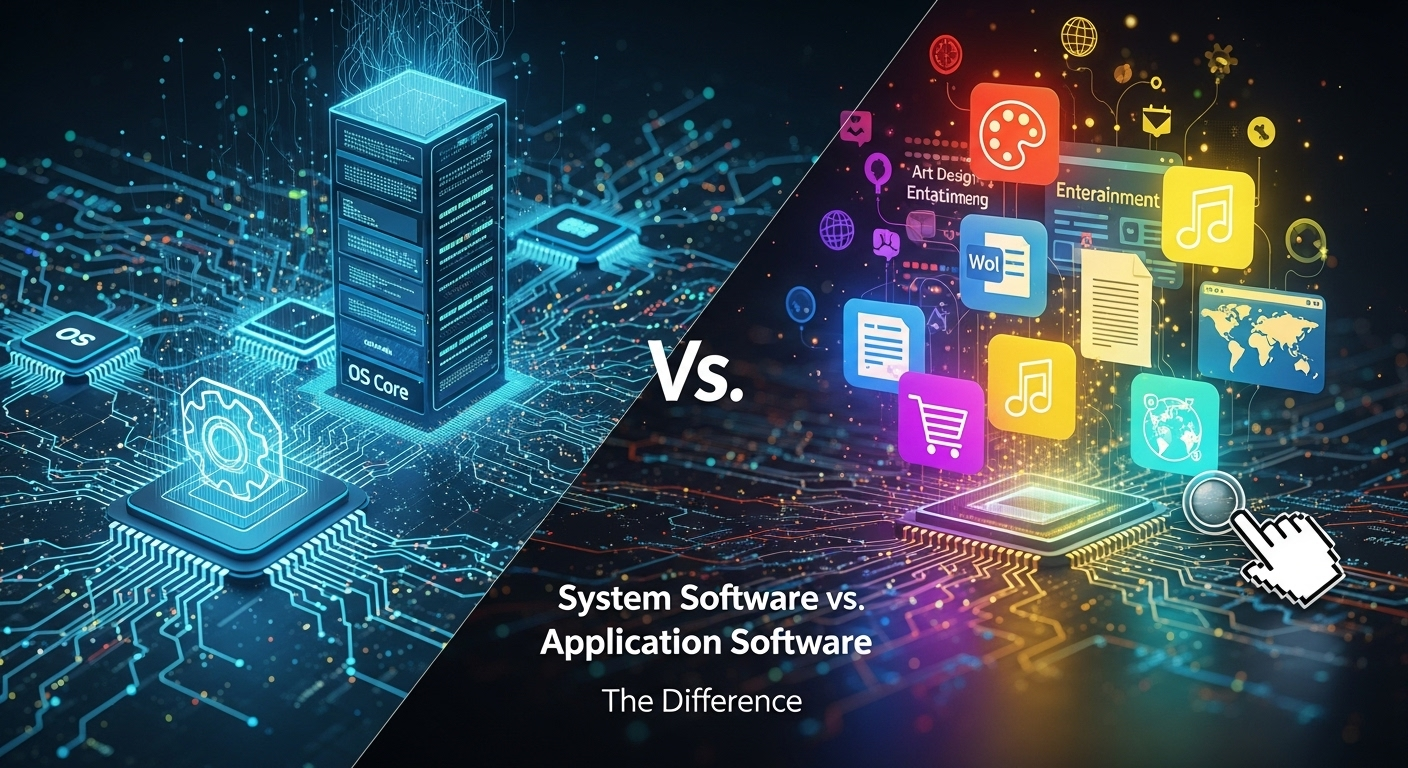
Microsoft Excel</strong> is the undisputed leader in this category, used extensively in business and finance for everything from budget planning to complex financial modeling. Google Sheets</strong> offers a powerful, cloud-based collaborative alternative, while Apple's Numbers provides a user-friendly option for a more visual approach to data.
- #### Web Browsers
A web browser is an application used to access, retrieve, and display information from the World Wide Web. It interprets HTML, CSS, and JavaScript to render web pages, videos, and other online content. In the modern era, the web browser has become one of the most frequently used applications, acting as a gateway to a universe of information and services.
This is a highly competitive software category. Leading examples include Google Chrome</strong>, known for its speed and extensive ecosystem of extensions; Mozilla Firefox</strong>, which prioritizes user privacy; Microsoft Edge</strong>, the modern successor to Internet Explorer; and Apple Safari</strong>, which is deeply integrated into the Apple ecosystem. Though they feel like a window to the internet, they are still applications that run on your OS.
- #### Specialized and Entertainment Software
This is a massive, catch-all category that includes software designed for specific professional fields or for entertainment. The level of complexity can range from a simple mobile game to a multi-million dollar engineering application. These programs often require significant system resources (CPU, GPU, RAM) and showcase the power of modern computing.
Examples are nearly endless but include:
<strong>Graphic Design Software:</strong>Adobe Photoshop(image editing),Illustrator* (vector graphics).
<strong>Computer-Aided Design (CAD):</strong>AutoCAD* for architects and engineers.
<strong>Video Editing Software:</strong>Adobe Premiere Pro,Final Cut Pro*.
<strong>Video Games:</strong> From simple puzzle games to massive open-world titles likeThe Witcher 3orElden Ring*.
<strong>Email Clients:</strong>Microsoft Outlook,Mozilla Thunderbird*.
The Core Differences: A Head-to-Head Comparison
To truly cement the distinction, a direct comparison is invaluable. While they are both "software," their purpose, interaction model, and dependencies place them in entirely different classes. The relationship is not one of opposition, but of layers, with system software forming the base layer and application software forming the user-facing layer on top. This hierarchical dependency is the most critical difference of all.
The interaction model is another key differentiator. As a user, you rarely, if ever, directly interact with a device driver or the kernel of the operating system. Your interaction is with the graphical user interface provided by the OS, and more frequently, with the interfaces of your chosen applications. You click the icon for Spotify (application) to play music; the OS (system) then handles the complex task of sending the right audio signals to the sound card (hardware) via its driver (system).
Here is a summary table that breaks down the fundamental distinctions between the two:
| Feature | System Software | Application Software |
|---|---|---|
| Primary Purpose | To manage computer hardware and provide a platform for other software to run. | To perform specific tasks for the end-user (e.g., writing, browsing, calculating). |
| User Interaction | Generally indirect. Users interact with it through the OS interface, but not with its core processes. | Direct and frequent. This is the software users intentionally launch and use. |
| Dependency | Runs independently of application software. A computer can run with only system software. | Completely dependent on system software. It cannot run without an OS. |
| Generality | General-purpose. It is designed to manage the entire system, not one specific task. | Specific-purpose. It is designed to accomplish a dedicated task or a set of related tasks. |
| Execution | Starts when the computer is turned on and runs continuously in the background. | Starts when the user launches it and stops when the user closes it. |
| Examples | Operating Systems (Windows, macOS, Linux), Device Drivers, Utility Programs, Firmware (BIOS). | Microsoft Word, Google Chrome, Photoshop, Spotify, Video Games. |
Frequently Asked Questions (FAQ)
Q: Can a computer run without any application software?
A: Yes, absolutely. A computer with just an operating system (system software) installed will boot up and be functional. You can navigate the file system, change settings, and manage the computer itself. However, it won't be very useful for accomplishing specific tasks like writing documents or browsing the internet, as those require application software.
Q: Can a computer run without system software?
A: No. A computer without system software, specifically an operating system, is just a collection of hardware components. It has no instructions on how to manage itself, load programs, or interact with a user. System software is the essential bridge between the user and the hardware.
Q: Is a web browser system software or application software?
A: This is a common point of confusion, but a web browser is definitively application software. Although it feels fundamental to our computer usage today, its purpose is to perform a specific user-facing task: accessing the World Wide Web. It is installed on top of an operating system and depends on it to function, fitting the classic definition of an application.
Q: Where do programming languages or compilers fit in?
A: This is an interesting case. Tools used to create other software, such as compilers, debuggers, and Integrated Development Environments (IDEs), are often categorized as a third type: Programming Software or Software Development Tools. While they are technically applications (a developer uses them to perform a task), their purpose is to create other software, putting them in a special sub-category.
Conclusion
Understanding the difference between system software and application software is fundamental to digital literacy. System software is the silent, indispensable foundation—the manager, the conductor, and the translator—that brings a computer to life by controlling its hardware and providing a stable environment. It operates in the background, focused on the health and functionality of the machine itself. Application software, on the other hand, is the vibrant and diverse collection of tools we use every day to be productive, creative, and entertained. These are the task-oriented programs that run on the platform provided by the system software.
Ultimately, they are two sides of the same coin, existing in a symbiotic relationship. You cannot have one without the other for a complete, functional computing experience. One provides the power and the stage; the other provides the performance. As a user, recognizing this distinction empowers you to troubleshoot issues more effectively, make smarter software choices, and appreciate the incredible complexity working in harmony just beneath your screen.
***
Summary
The article "System Software vs. Application Software: The Difference" provides a comprehensive breakdown of the two fundamental types of software that power modern computing devices. It clarifies that system software acts as the foundational layer, managing a computer's hardware resources and providing a platform for other programs. Key examples include Operating Systems (like Windows and macOS), utility programs, and device drivers. This software is essential for a device to function and runs in the background. In contrast, application software (or "apps") consists of programs designed to perform specific tasks for the end-user, such as word processing (Microsoft Word), web browsing (Google Chrome), or graphic design (Adobe Photoshop). These applications are what users directly interact with and are entirely dependent on the underlying system software to run. The article emphasizes their symbiotic relationship, where system software provides the operational environment and application software provides the tools to accomplish user-specific goals, ultimately creating a complete and functional digital experience.
